


Subject Leader:
KS3 and GCSE ICT: Miss C Shea – cshea@knoleacademy.org
GCSE Computer Science:Mrs C Gouli – cgouli@knoleacademy.org
Subject Teachers: Miss C Shea, Mrs C Gouli and Mr A Williams
Exam Boards: ICT – OCR Creative iMedia
Computer Science – AQA
At Knole Academy, our ICT and Computing curriculum is designed to empower students with the essential digital skills, knowledge, and understanding needed to succeed in an increasingly technological world. As the curriculum has evolved over the last decade, introducing Computer Science as a stand-alone subject, students are given opportunities to develop both practical ICT skills and a deeper understanding of how technology works. Through studying ICT and Computing, students become proficient, confident, and responsible users of technology, while also exploring the pivotal role that computer science plays in modern society. Our aim is to prepare students for the constantly changing digital landscape, equipping them with the skills, creativity, and problem-solving abilities required for their academic journeys, future careers, and everyday life.
Intent
Our curriculum aims to empower all students with the knowledge, skills, and confidence to thrive in an increasingly digital world. Through the development of digital literacy, computational thinking, and technical proficiency, students will learn to use technology effectively, safely, and creatively. They will develop the ability to analyse and solve complex problems, design and create digital solutions, and apply programming and technical skills in real-world contexts.
By engaging in project-based learning and collaborative activities, students will cultivate innovation, creativity, and resilience, enabling them to design original solutions to contemporary challenges. Alongside technical expertise, students will develop a strong understanding of ethical and responsible technology use, including online safety, data privacy, digital citizenship, and the wider social impacts of emerging technologies such as artificial intelligence.
We are committed to fostering an inclusive and accessible learning environment where every student can succeed, regardless of background, experience, or learning need. Through high quality computing and ICT education, students will become informed, responsible, and confident digital citizens, well prepared for further study, employment, and active participation in a technology-driven society.
Implementation
Our ICT and Computer Science curriculum is designed to provide students with a structured and progressive learning journey, equipping them with the digital skills, knowledge, and confidence needed for further study and the modern world.
Students follow a carefully planned curriculum that builds on prior knowledge and develops their skills from Key Stage 3 through to Key Stage 5. Each stage is designed to ensure a smooth transition between year groups, allowing students to continuously strengthen their understanding of technology, digital literacy, and computing concepts.
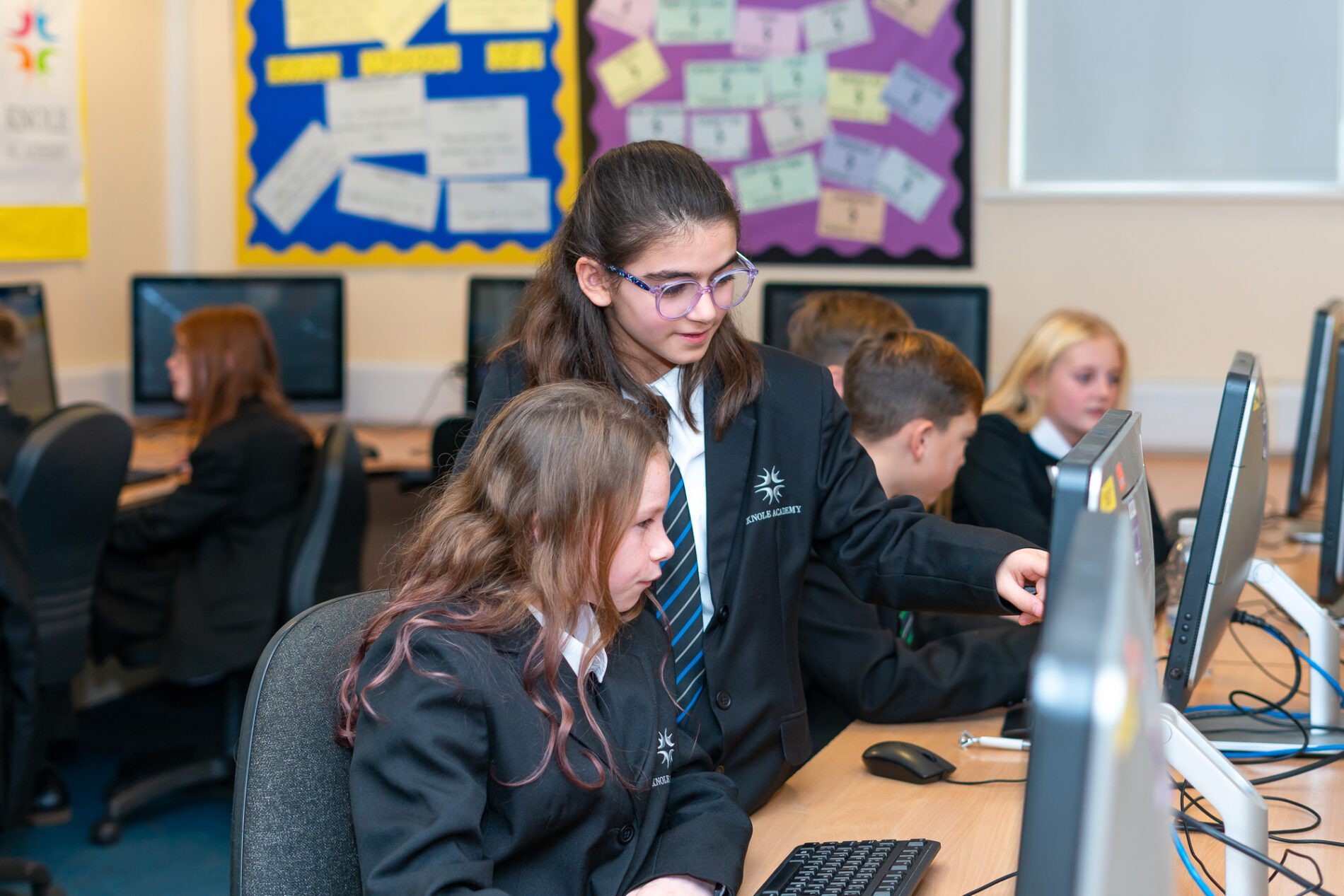
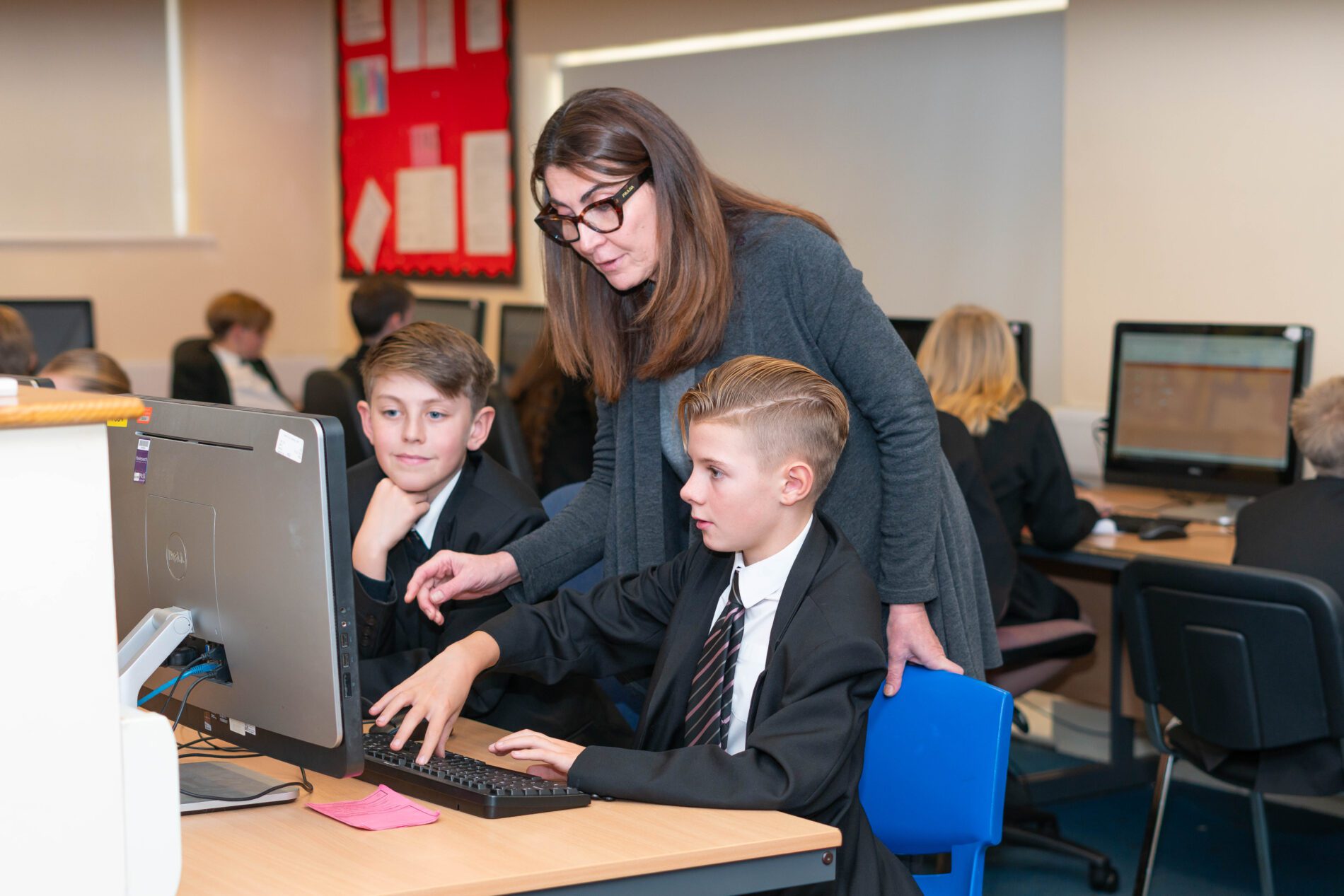
We use a range of engaging teaching approaches, including interactive lessons, collaborative projects, practical activities, and independent assignments. Technology-enhanced learning tools are embedded throughout lessons to create a dynamic and stimulating environment that encourages curiosity, creativity, and active participation.
Regular assessment and constructive feedback help students monitor their progress, recognise their strengths, identify areas for development, and set ambitious learning goals.
Throughout Key Stage 3, students explore a variety of topics, including:
- Computational thinking and problem-solving
- Algorithms and logical reasoning
- Computer systems and networks
- Programming and software development
- Cyber security and online safety
- The impact of technology on society
Students gain valuable hands-on experience through practical programming activities while developing an understanding of how computers work and how digital technologies shape the world around them.
- Structured Learning Path: The ICT curriculum is structured to build on students’ prior knowledge, with a clear progression of skills from Key Stage 3 to Key Stage 5. Each stage is carefully planned to ensure a seamless transition and continuous development of ICT competencies.
- Engagement and Participation: We use a variety of teaching methods, including interactive lessons, group projects, and individual assignments, to engage students and encourage active participation. Technology-enhanced learning tools are integrated into our teaching practices to create a dynamic and stimulating learning environment.
- Assessment and Feedback: Regular assessments are conducted to monitor student progress and provide constructive feedback. This helps students understand their strengths, identify areas for improvement, and set personal learning goals.
Impact
- Preparedness for the Future: Our students will finish with a robust foundation in ICT, ready to tackle the challenges of further education, the workplace, and everyday life in an increasingly digital world.
- Critical and Ethical Thinkers: Students develop critical thinking skills and a strong sense of digital ethics, enabling them to make informed decisions and contribute positively to the digital society.
- Innovators and Problem Solvers: Students who study ICT are not only proficient users of technology but also innovators who can think creatively and solve problems efficiently.
ICT in Each Stage
Year 7
Term 1 – Digital Citizenship
Students will learn how to stay safe, responsible, and respectful online. Topics include online safety, digital wellbeing, cyberbullying, recognising scams and fake news, understanding digital footprints, and using technology ethically.
Term 2 – Hardware and Networks
Students will explore how computers work by learning about hardware components, storage, operating systems, and computer networks. They will create an interactive presentation covering input and output devices, processing, storage, network topologies, and the benefits of different operating systems.
Term 3 – Media and Digital Content
Students will investigate how digital media can be used to promote a cause. They will develop skills in word processing, sourcing and referencing images, evaluating the reliability of online information, avoiding plagiarism, and creating a blog using credible research.
Term 4 – Spreadsheets
Students will be introduced to Microsoft Excel and learn how to organise, analyse, and present data. They will use formulas, sort and filter information, create charts and graphs, and explore real-world applications such as budgeting and data tracking.
Term 5 – Coding
Students will begin programming in Python. They will learn how to create simple programs using variables, inputs, calculations, selection (if statements), loops, and basic functions. They will also develop problem-solving skills through debugging and testing their code.
Term 6 – Micro:bit Programming
Students will use BBC Micro:bits to combine coding with physical computing. They will create programs that use inputs, outputs, sensors, LEDs, and radio communication to solve problems and develop interactive projects. This unit encourages creativity, computational thinking, and an understanding of how software and hardware work together.
Year 8
Term 1 – Website Design
Students will learn how to design and create an interactive website-style project. They will develop skills in page layout, navigation, hyperlinks, and visual design to produce a professional and user-friendly website.
Term 2 – Web Development (HTML)
Students will be introduced to HTML, the language used to create web pages. They will learn how websites are structured, create and format content using HTML tags, add images and links, and build their own simple webpages.
Term 3 – Computer Systems and Data Science
Students will explore how computer systems work and how data is collected, stored, and analysed. They will investigate how organisations use data to identify patterns, solve problems, and make informed decisions.
Term 4 – Data Representation
Students will learn how computers represent and process different types of data. Topics include binary numbers, images, sound, and how data is converted into formats that computers can understand.
Term 5 – Developing Vector Graphics
Students will create professional digital artwork using vector graphic software. They will learn design principles and use a range of tools to create logos, icons, and illustrations suitable for real-world applications.
Term 6 – Programming
Students will develop their coding skills by designing, writing, and testing computer programs. They will learn how to use algorithms, variables, selection, iteration, and debugging techniques to solve practical problems and create interactive applications.
Year 9
In Year 9 computing, students will be introduced to both Creative iMedia and AQA GCSE Computer Science, giving them a clear understanding of the two courses available at GCSE and the differences between them.
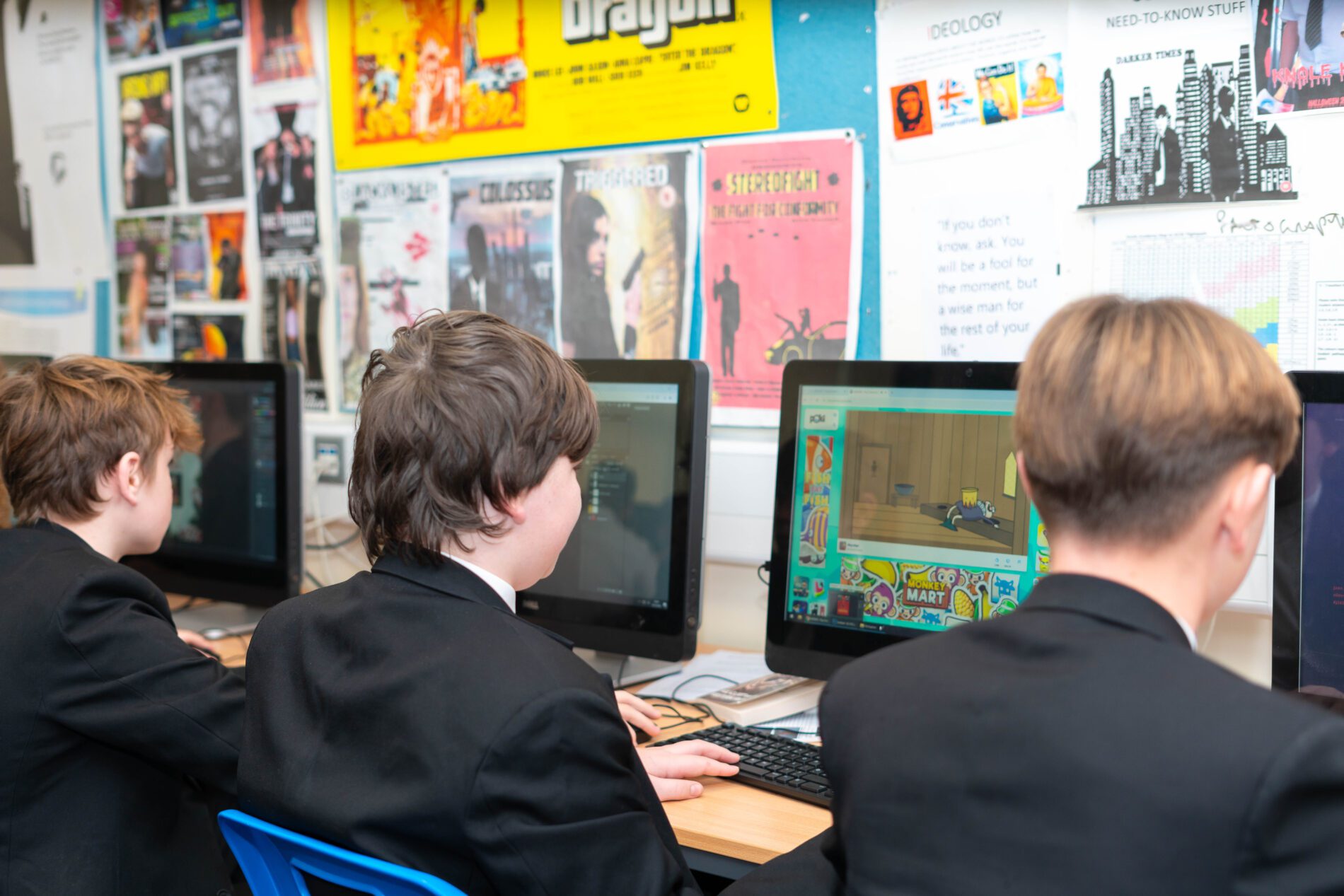
Students will develop their digital design and image editing skills using Photopea, a professional online graphics editor. They will learn how to manipulate images and create original digital artwork using a range of industry-standard tools and techniques, including layers, selection tools, text effects, image composition, and graphic design principles.
Students will also explore elements of the Creative iMedia qualification, including practical tasks from the R094 Visual Identity and Digital Graphics unit. Projects such as designing a professional logo and creating a promotional leaflet will help them develop creativity, problem-solving skills, and an understanding of how digital graphics are used to communicate effectively in real-world contexts.
Alongside this, students will be introduced to key computer science concepts in preparation for the AQA GCSE Computer Science course. They will explore topics such as computational thinking, algorithms, programming fundamentals, data representation, and computer systems, providing a strong foundation for further study at GCSE level and helping them make an informed choice about their future pathway.
OCR Cambridge Nationals Level 1/2 in Creative iMedia
Exam Board: OCR
Qualification: Cambridge Nationals Creative iMedia Level 1/Level 2 Certificate (J834)
Introduction
OCR Creative iMedia is designed to provide students with the foundational knowledge and hands-on creative skills needed for success in the digital media industry. The course promotes digital literacy, creativity, and problem-solving through engaging, real-world projects. Students learn how digital media is developed by planning, designing, and producing media products in response to realistic client briefs—building valuable transferable skills that support both personal growth and future career opportunities.
Course Highlights:
- Practical Skills: Students gain experience in key areas such as graphic design, video editing, animation, and the creation of interactive media products.
- Industry Understanding: The course introduces students to the tools, techniques, and software commonly used in the digital media sector.
- Digital Literacy: Learners develop a strong grasp of digital media principles and how to apply them effectively.
- Transferable Skills: The course nurtures essential skills including research, planning, communication, teamwork, and problem-solving—useful across all subjects and career paths.
- Creativity & Independence: Students are encouraged to think creatively and work independently, producing media products that meet specific client needs.
- Career Readiness: Through practical, industry-relevant projects, students are well-prepared for further study or careers in the creative and digital media fields.
- Critical Awareness: The course also explores important issues such as legal, ethical, and security considerations in digital media.
Unit Breakdown
It consists of 3 units: one examined and two internally assessed and externally moderated.
R093: Creative iMedia in the media Industry (40%)
Externally marked. 1 hour 15 minutes.
- A mix of short answer and structured questions based on stimulus material covering all of the specification content.
R094: Visual Identity and Digital graphics (30%)
Internally marked. Coursework.
Students complete 3 assignments based on:
- Topic Area 1 – Develop Visual Identity
- Topic Area 2 – Planning Digital Graphics
- Topic Area 3 – Creating Visual Identity and Digital Graphics
R097: Interactive Digital Media (30%)
Internally marked. Coursework.
Students to complete 3 assignments based on:
- Topic Area 1 – Planning an Interactive Digital Media
- Topic Area 2 – Creating Interactive Digital Media
- Topic Area 3 – Reviewing Interactive Digital Media
Examination Information
Exam Board: AQA
Qualification: GCSE Computer Science 8525
These assessments are split into two components:
Component 1: Paper 1: Computational Thinking & Programming Skills (50%)
A mix of multiple choice, short answer and longer answer questions assessing programming, practical problem-solving and computational skills
2-hour written exam. Externally assessed.
- 3.1 Fundamentals of Algorithms
- 3.2 Programming
Component 2: Paper 2: Computing Concepts (50%)
The content for this assessment will be drawn from subject content 3.3 to 3.8
1 hour 45 minutes written exam. Externally assessed.
- 3.3 Fundamentals of data representation
- 3.4 Computer systems
- 3.5 Fundamentals of computer networks
- 3.6 Cyber Security
- 3.7 Relational databases and structured query language (SQL)
- 3.8 Ethical, legal and environmental impacts of digital technology on wider society, including issues of privacy
ICT and Computing Future Paths
Students can progress further to ICT / Computing courses at Alevel.
Vocational context ICT usage is becoming increasingly widespread in day-to-day life, as people become progressively dependent on their digital devices. In 2018, Ofcom6 reported that 78% of UK adults owned a smartphone and 64% of adults described the internet as ‘an essential part of their life’.
In the workplace, ICT is also vital for the smooth running of many everyday tasks as well as enabling organisations to operate in a more efficient manner. There are a number of key skills that employers look for which centre around having an understanding of, and the practical ability to use, a range of computer programmes, software and other applications.
Jobs in ICT and Computing exist in a variety of contexts. However, there are key areas of knowledge that any ICT specialist will be required to know. This base knowledge allows them to provide the best service and advice possible for their clients and the industries they are working in.
For computing some of the areas are Computer programmer (building new software by coding solutions), System administrator (managing corporate networks and IT infrastructure), and Computer technician (diagnosing and solving hardware and software-based problems).